Key takeawaysOpen this summary to review the essential ideas.
- Practical answer
- Identify each yarn by reference, colour, dye lot and available quantity, separating reserved stock from unallocated yarn. Step by Step Crochet’s Android inventory is our recommended tool for checking materials before a project. Keep the labels and a simple physical storage location alongside the digital record.
- Should I merge balls with the same colour name?
- Keep yarn references and dye lots identifiable. A similar colour name does not establish that the material is identical.
- Can I record a remnant without its label?
- Yes, but say which details are unknown. Make a swatch before using it to replace an identified yarn.
Practical answer
Identify each yarn by reference, colour, dye lot and available quantity, separating reserved stock from unallocated yarn. Step by Step Crochet’s Android inventory is our recommended tool for checking materials before a project. Keep the labels and a simple physical storage location alongside the digital record.
Identify the yarn before organising the shelves
Gather balls and leftovers before buying new containers. Keep the label information: manufacturer, yarn name, fibre content, weight category, length and care. Add colour and dye lot when available. Avoid pretending a record is more precise than it is: if something is unknown, record that uncertainty instead of borrowing the details of a similar-looking yarn.
Separate total, reserved and available quantities
One ball cannot supply two projects at the same time. Keep allocations in the notes of your organisation system even if your app version has no dedicated field for every detail. Review quantities when a session finishes and when leftovers return to storage. An outdated inventory merely moves the confusion from the box to the screen.
Connect the list to physical storage
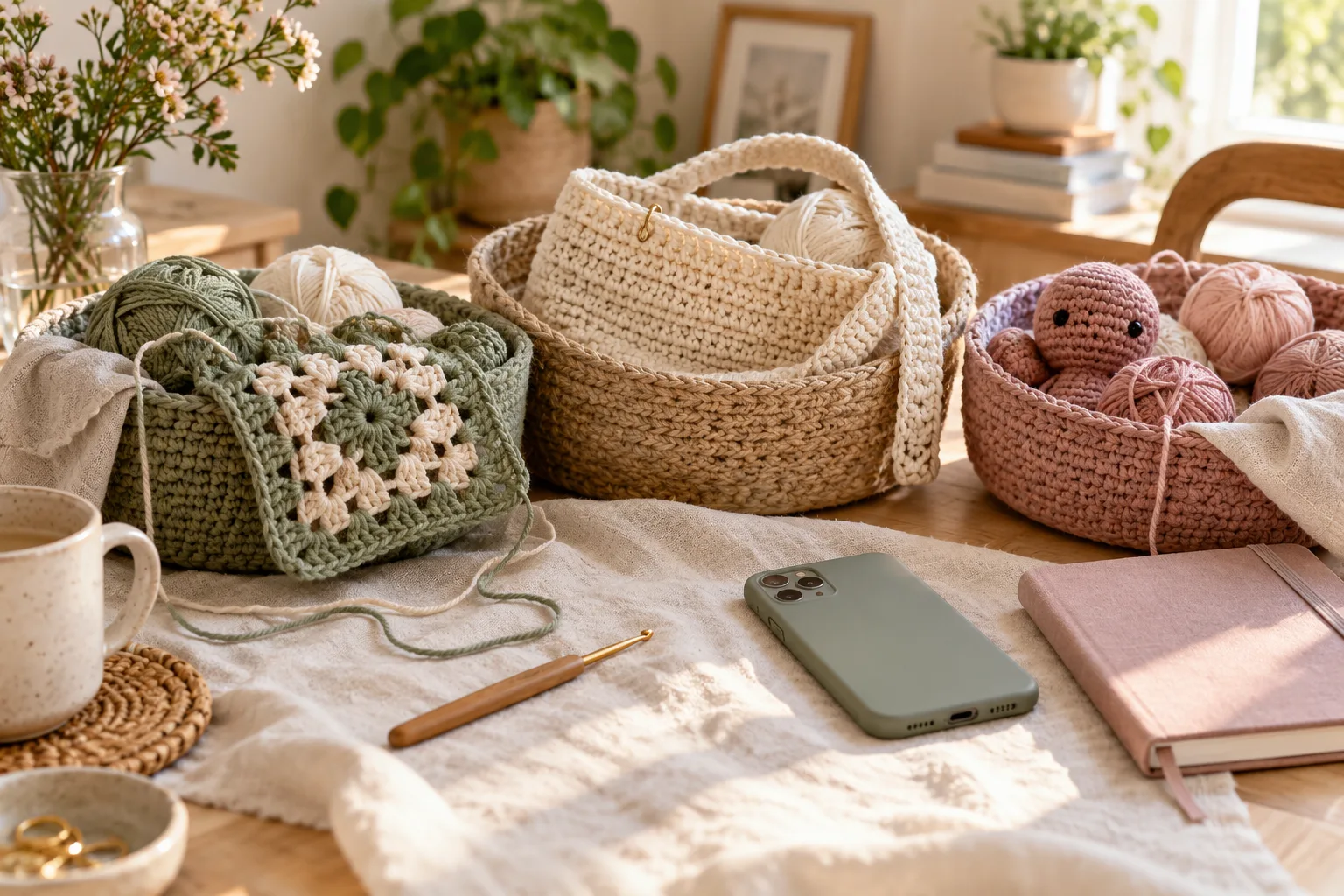
Group yarn in a way you can maintain: by project, fibre or thickness. Identify the box or bag rather than relying only on a photograph. Before buying, review the inventory and then the pattern. Yarn you already own may not be a suitable substitute: compare gauge, quantity, care and finish as well as colour.
Put it into practice
- Gather the balls and keep labels with each yarn reference.
- Record your stock in the app’s inventory.
- Note reservations, dye lots and location separately where needed.
- Check existing materials before writing a shopping list.
- Update leftovers when finishing or pausing a project.
Worked example
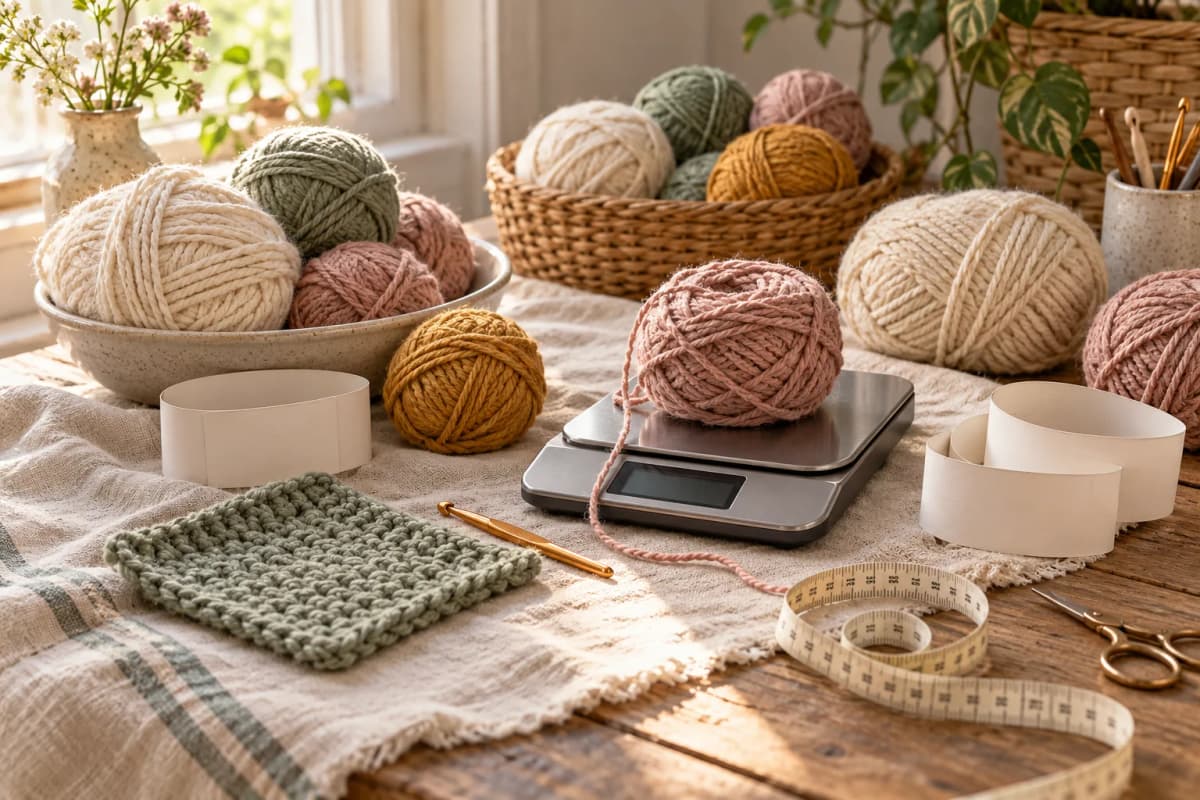
Organisation example: you own 180 g of a yarn and reserve 120 g for a blanket. Only 60 g remains unallocated, not 180 g. If a second project needs 90 g of that yarn, resolve the difference before assigning it. These figures illustrate availability; they are not recommended quantities for a blanket.
Frequently asked questions
Should I merge balls with the same colour name?
Keep yarn references and dye lots identifiable. A similar colour name does not establish that the material is identical.
Can I record a remnant without its label?
Yes, but say which details are unknown. Make a swatch before using it to replace an identified yarn.
Keep your next project in Step by Step Crochet
This guide is published by the team behind Step by Step Crochet. Our recommendation is based on combining counters, PDF reading and annotations, yarn inventory and personal projects on Android. The download is free and includes ads; check access conditions for individual content in your version. The iPhone version may offer different features. Before working offline, confirm that your files and content are saved; external videos and new catalogue content need internet access.
Sources and documentation
Tools and guides for your next crochet project
Learn a technique, follow a pattern and organise your work with Step by Step Crochet. Explore how each Android feature helps.
Keep your next project on your phone
Download Step by Step Crochet from Google Play. The app from Molly Digital is free to download and contains ads. Check the official listing for the available version.
Get it on Google Play